Features
Smarter than the apps your cameras came with.
Unicam is a recorder, a camera wall, an alert system and a search engine for every camera you own, whatever the brand. Here’s all of it, and which plan each part is in.
Recording & storage
Full quality, a fraction of the space.
The hub copies each camera’s own video without re-encoding, keeps what matters, and sends it to storage you already pay for.
No re-encoding, about 0% CPU
Unicam stream-copies the camera’s H.264 or H.265 into crash-safe fragmented MP4. Picture quality is exactly what the camera sends, and a Raspberry Pi can keep up.
~0.4% CPU per camera
Three record modes
Events keeps 5 seconds before to 8 seconds after motion. Smart 24/7 records the low-res sub-stream around the clock and full quality around events. Continuous records everything.
80–95% less than 24/7
Every destination at once
Google Drive, Dropbox and OneDrive with one-tap sign-in; S3, Backblaze B2, Cloudflare R2, Wasabi and MinIO; WebDAV for Nextcloud and Synology; any folder, NAS share or USB drive; and 100+ more through rclone. Add several and every clip goes to all of them.
Retention that tidies itself
Continuous footage for 7 days, events for 30, starred clips forever, and a cap on the hub’s local disk, all automatic. Adjust the defaults whenever you like.
A limit for every cloud
Tell Unicam to use at most, say, 200 GB of your Drive. It deletes its own oldest files first, never starred ones, and warns you at 90% of the account’s quota so your email and photos keep working.
Folders you can actually browse
For Google Drive, Dropbox and OneDrive, minute-long segments are joined into 10-minute files before upload, organised by camera and date. Fewer files, and no API throttling.
Disk guard
When the hub’s disk runs low, Unicam prunes the oldest footage that’s already uploaded first. If it’s nearly full, recording pauses and you get an alert instead of a silent failure.
- Pro
Overnight H.265 compression
On hubs with a hardware encoder, older H.264 footage is recompressed to H.265 overnight, about 40% smaller, and the cloud copies are replaced.
~40% smaller
Import your SD cards
Bring old recordings with you: MP4, MOV, MKV, AVI and Dahua, Imou and CP PLUS .dav files, with the original times read from the file names.
Guides:Storage destinations →Record modes →Retention & disk space →
Live & timeline
Every camera, every brand, on one screen.
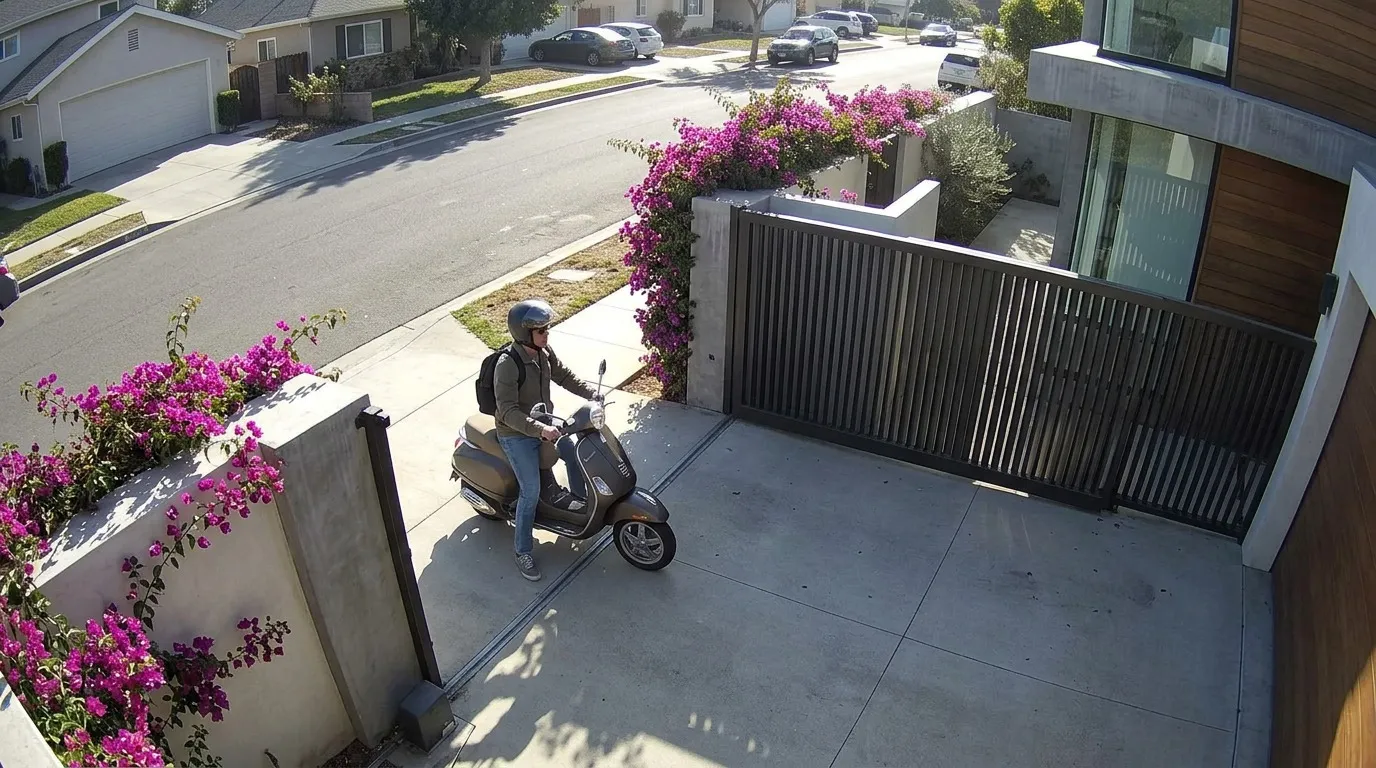
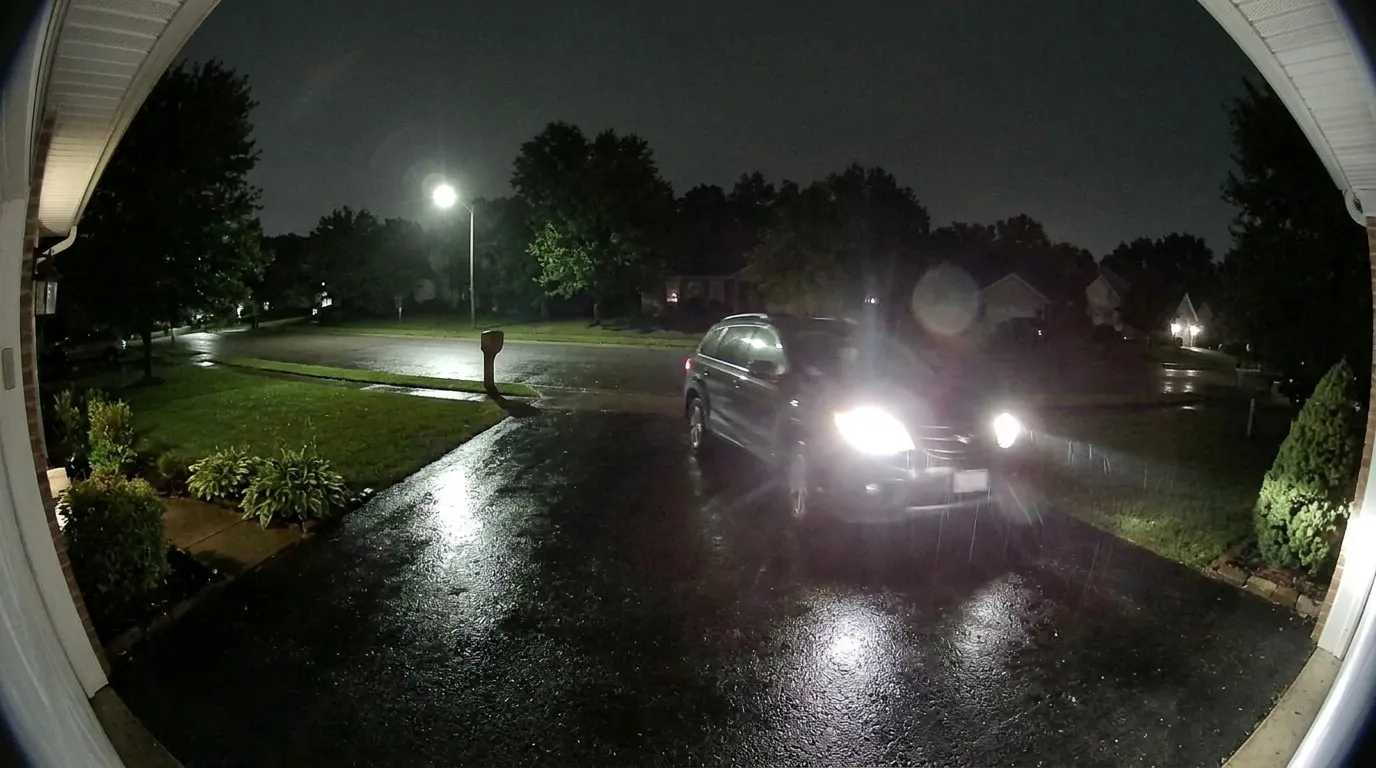
A camera wall that opens instantly and a timeline that scrubs across brands, so you stop switching between five vendor apps.
Live in under a second
Live view uses WebRTC straight from your hub. On your home network or Tailscale it skips the internet round-trip entirely.
~0.9 s to first frame
A grid that’s already there
The camera grid shows live-refreshing snapshots served from the hub’s warm cache, so 16 cameras don’t melt your phone. Real video decodes only when you focus a tile.
Unified timeline
Scrub every camera on one timeline with thumbnails, whatever the brand. Jump straight to an event or keep scrolling through continuous footage.
H.265 that plays everywhere
Cameras that record H.265 get an automatic H.264 live stream for browsers and devices that can’t play H.265. Recordings keep the original.
Daily recap
A 30-second highlight reel of each day across every camera, people first, built on the hub’s hardware encoder in seconds.
Camera health at a glance
Each camera shows whether it’s online, its codec and its bitrate, so a dropped Wi‑Fi camera doesn’t go unnoticed for a week.
Share a clip from your own cloud
One tap creates a share link from Google Drive, Dropbox, OneDrive or S3, expiring where the provider supports it. For destinations without encryption, because encrypted clips can only be opened with your key.
- Plus & Pro
Signed evidence export packs
Export clips and snapshots as a signed, hash-chained ZIP for police or insurers. Anyone can check it hasn’t been altered with the included offline verifier.
Smart alerts & AI search
Alerts for people, not swaying trees.
On-device AI decides what each event is before it buzzes your phone. Nothing is sent to a cloud to be analysed.
Person, vehicle & animal detection
Every motion event is classified on your hub by an Apache-licensed model in about 70 ms, even if your camera has no AI of its own.
~70 ms per event
Uses your camera’s own detection
Many Dahua, Imou, Hikvision and Reolink cameras detect motion on-chip. Unicam can listen to those ONVIF events and save hub CPU, falling back to its own detection when needed.
- Plus & Pro
Package delivered & taken
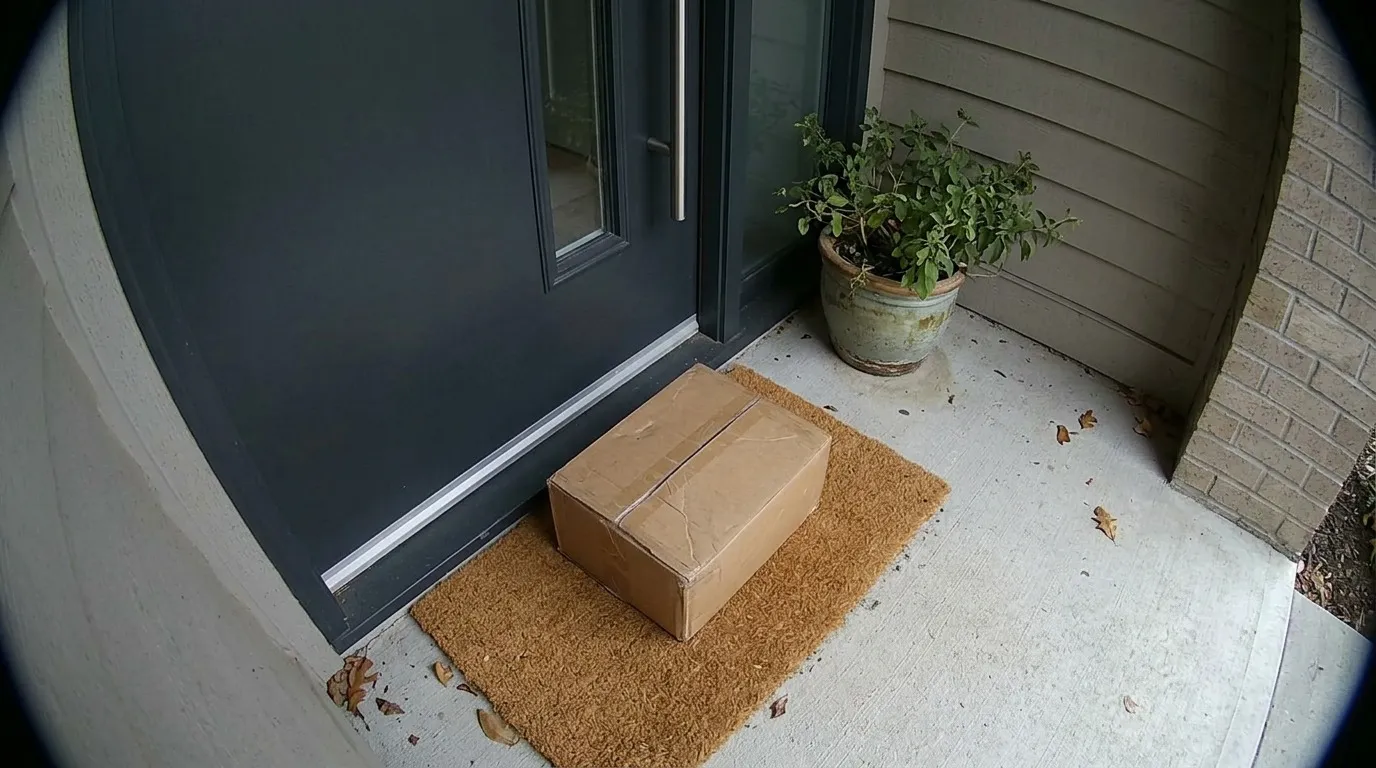
Door cameras notice when a parcel arrives and when it leaves, with an alert for each, so porch pirates don’t get a head start.
- Pro
AI search in plain English
Type “red car yesterday” or “someone at the door” and Unicam ranks events across every camera, privately on your hub. Other plans get keyword search.
~20 ms per query
Home, Away & Night modes
Switch mode in one tap. Indoor cameras go fully private in Home mode, and each mode has its own alert types.
Quiet hours & snooze
Set quiet hours, or snooze alerts for 30 minutes, an hour or until 7:00 from the alert itself, your phone or your watch.
Alerts where you are
Push notifications on iPhone, Android and the web, plus ntfy and Telegram (with an optional snapshot). Alerts have Mark seen, Star and Snooze buttons that work without opening the app.
- Coming soon
Privacy zones
Mask parts of the frame you never want recorded or analysed, like a neighbour’s window.
Privacy & security
Private by design. Not by policy.
Video goes from your cameras to your hub to your storage. It never goes through Unicam’s servers, so there’s nothing for us to see, sell or hand over.
End-to-end encrypted uploads
Every clip is sealed with AES-256-GCM and its own key before it leaves your home. Google, Dropbox or Amazon only ever store ciphertext.
Your recovery key, your footage
Only your recovery key decrypts footage. The Unicam decrypt tool turns clips back into standard MP4 files offline, even without a subscription.
Image-free notifications
Push alerts carry only the camera name and event type. The app fetches the snapshot straight from your hub, so no images pass through Apple, Google or ntfy.
Locked-down pairing
Pairing codes are single-use, expire after 10 minutes and lock out after 5 wrong tries. Each device gets its own token you can revoke from Sessions.
Short-lived media links
Video and snapshot links use read-only tokens that expire after 15 minutes, so long-lived credentials never appear in a URL.
Secrets sealed at rest
Camera passwords and cloud tokens are encrypted on the hub. Sign-in tokens are stored only as hashes.
Narrow cloud permissions
Google Drive access is limited to files Unicam created. Dropbox and OneDrive use an app folder.
No port-forwarding, ever
Remote access goes over a private Tailscale link. Unicam never asks you to open your router to the internet, which is how camera botnets spread.
Audited internally
An internal security audit found 14 issues; all are fixed and covered by regression tests. A third-party audit is planned before 1.0.
Apps & watch
One app on every screen you own.
iPhone, iPad, Android, Mac, Windows and the web, all connected to the same hub, plus native watch apps for the quick decisions.
Every platform
Native apps for iPhone, iPad and Android, an installable web app, and desktop apps for Mac and Windows. The interface is dark first, so video is the hero.
Pair with a QR code
Scan a QR code or open a link from the hub and the device is paired. No accounts to create, no cloud login.
- Plus & Pro
Apple Watch & Wear OS
Switch mode from a complication or tile, mark a camera private, snooze alerts, check hub status and see recent events with stills. Alerts arrive with Seen, Star and Snooze.
Access from anywhere
Unicam detects Tailscale on your hub and fails over between your home network and your tailnet automatically.
Savings, in dollars
Onboarding adds up what your vendor plans and SD cards cost, so you can see what switching saves.
- Coming soon
Remote access without Tailscale
A relay for live view away from home when you don’t use Tailscale.
- ProComing soon
Family roles
Invite family as owners, members or temporary guests, each with their own alerts.
- ProComing soon
Multiple sites
Home, office and your parents’ house in one app.
Guides:Pair a device →Watch apps →
Hub options
Runs on something you already own.
The hub is the always-on recorder. Phones can’t record around the clock, so something at home has to, and it doesn’t need to be new hardware.
Your Mac or Windows PC
Install the desktop app and that computer is the hub. It keeps recording from the menu bar or tray, and shuts down cleanly when you quit.
Raspberry Pi 4 or 5
One installer sets up a hardened service on 64-bit Raspberry Pi OS or any Debian/Ubuntu box, with hardware video decode.
NAS or Docker
Run the hub with Docker Compose on Synology, QNAP, Unraid, TrueNAS or any server, and record straight to its disks.
Home Assistant
Install the hub as a Home Assistant add-on next to the rest of your smart home.
Your own server
No machine at home? Run the hub on your own VPS and have cameras that support RTMP push send their video to it, gated by a per-camera stream key.
Light on resources
About 80 MB of memory plus about 50 MB per camera, and API responses in a few milliseconds.
1–6 ms API latency
By plan
What’s in each plan
Every hub starts with 3 days of Pro with everything unlocked. Then pick the plan that fits.
| Feature | Essential$69/yr | Plus$129/yr | Pro$199/yr |
|---|---|---|---|
| Cameras, any brand | Up to 4 | Up to 10 | Up to 25 |
| Record to your own cloud, NAS or S3 | Included | Included | Included |
| End-to-end encryption | Included | Included | Included |
| Person, vehicle & animal alerts | Included | Included | Included |
| Unified timeline | Included | Included | Included |
| Secure remote access | Included | Included | Included |
| Apple Watch & Wear OS | Not included | Included | Included |
| Package delivered & taken alerts | Not included | Included | Included |
| Signed evidence export packs | Not included | Included | Included |
| AI search in plain English | Keyword search | Keyword search | Included |
| Overnight H.265 compression | Not included | Not included | Included |
| Family roles & multiple sites | Not included | Not included | Coming soon |
Need more than 25 cameras or several sites? See Business and add-ons →
See it on your own cameras.
Join the early-access list. Invites go out in waves, and every invite starts with a 3-day free trial of Pro.